 Elite Hub
Ethernet vs WiFi for Gaming: Which Is Faster in 2026?
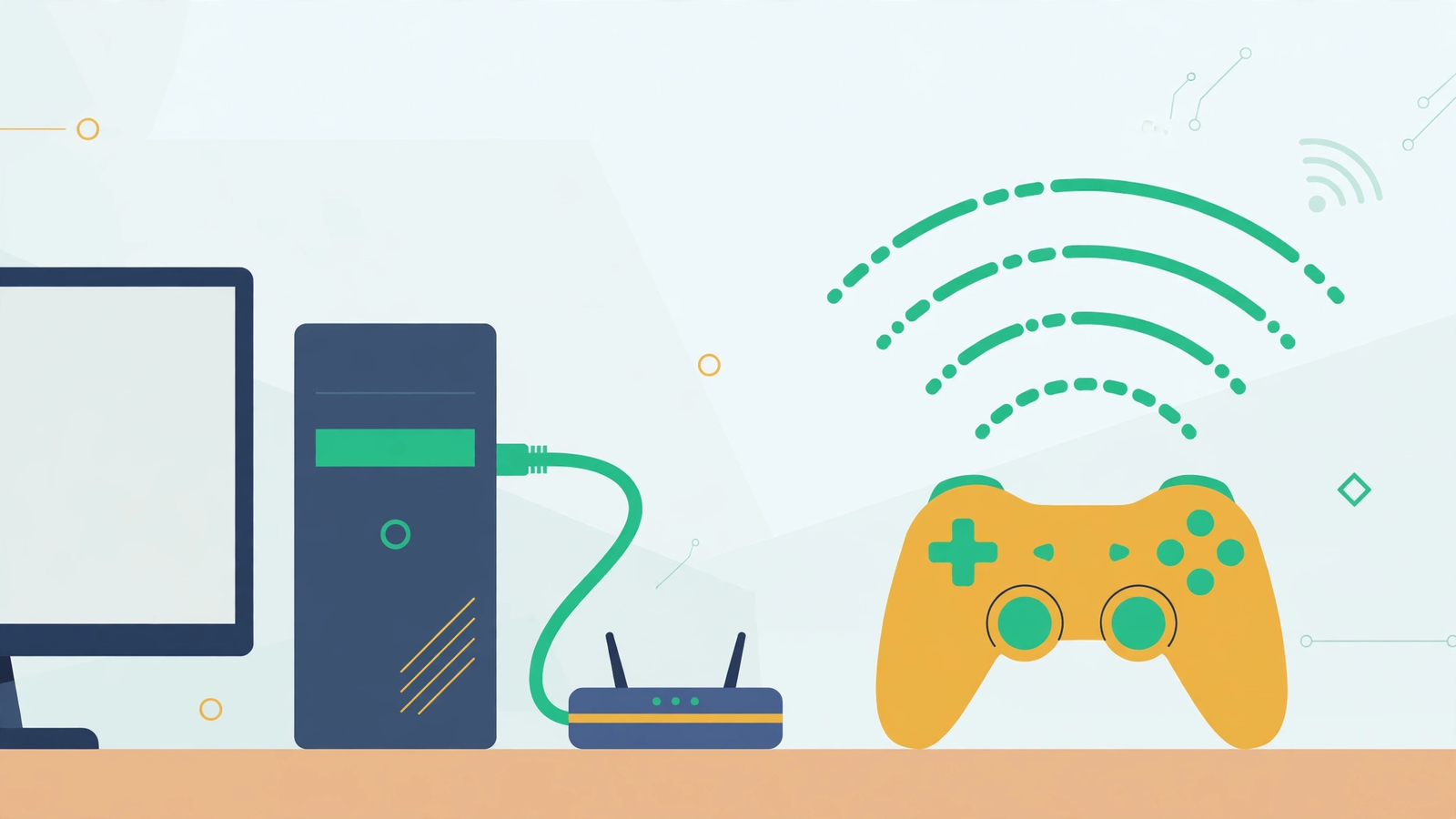
For gaming, Ethernet is faster than WiFi — but not in the way most people expect. Download speed is usually identical on both. What Ethernet wins is latency: a wired connection adds just 1–5 ms of ping with almost no jitter, while WiFi adds 10–30 ms and can spike without warning. In a fast-paced match, that stability is worth more than raw speed.
- Ethernet vs WiFi for Gaming: Is Ethernet Really Faster?
- What does the latency difference actually look like?
- Does download speed matter for gaming, or is it all about ping?
- When is WiFi 6 good enough for gaming?
- How do I set up Ethernet for gaming?
- How can I test which is better on my own connection?
- Frequently asked questions
Ethernet vs WiFi for Gaming: Is Ethernet Really Faster?
Yes — but the word "faster" needs unpacking. Gaming barely uses any bandwidth: a typical online match needs 3–10 Mbps down and 1–3 Mbps up, which any modern WiFi connection handles easily. What decides whether your shots register and your character moves when you press the key is latency — how long each packet takes to reach the server and come back.
Ethernet sends your data down a dedicated copper wire, straight to the router, with nothing in the way. WiFi sends it through the air, where it competes with your neighbours' networks, your microwave, your Bluetooth headphones, and the walls between you and the router. Every one of those obstacles adds delay — and, worse, adds variable delay. A steady 25 ms ping is playable; a ping that jumps between 15 ms and 120 ms is not, even though the average looks fine.
That is the core of the ethernet vs wifi for gaming debate: Ethernet does not give you a faster connection, it gives you a steadier one. In ranked shooters, fighting games, and anything where a split second decides the round, steadiness wins matches.
What does the latency difference actually look like?
Here are the numbers you can expect on a typical home connection with a 25 ms ping to the game server. Your exact figures will vary, but the gap between wired and wireless is consistent.
| Connection | Added ping | Jitter | Packet loss | Typical experience |
|---|---|---|---|---|
| Ethernet (Cat5e/6) | 1–5 ms | Under 1 ms | ~0% | Rock steady — the server sees what you do, when you do it |
| WiFi 6, same room, 5 GHz | 5–15 ms | 2–5 ms | ~0% | Very good — most players will not feel the difference |
| WiFi 6, one wall away | 10–25 ms | 5–15 ms | 0–1% | Playable, with occasional rubber-banding |
| WiFi 5 / 2.4 GHz, far room | 20–50 ms | 10–30 ms | 1–3% | Noticeable lag spikes, especially at peak hours |
Two things stand out. First, the gap is biggest at the extremes: great WiFi is close to Ethernet, but bad WiFi is far worse. Second, jitter — the variation in ping — grows much faster than ping itself on wireless. Our guide to jitter and packet loss explains why that variation is what you actually feel as lag.
Does download speed matter for gaming, or is it all about ping?
For the match itself, it is almost all about ping. A 50 Mbps plan and a 500 Mbps plan give you the same in-game latency, because the game sends tiny packets either way. Speed matters at the edges of gaming: downloading a 100 GB game, patching on launch day, streaming your gameplay to Twitch, or playing while someone else in the house watches 4K video.
That is where Ethernet quietly helps a second time. A wired connection holds your full plan speed at all times. WiFi speeds fall with distance and interference, so a 300 Mbps plan might deliver 280 Mbps next to the router but only 60 Mbps in the back bedroom — and that 60 Mbps gets shared with every other device in the house. If your downloads crawl or your stream stutters while someone else is on a video call, the connection type is often the reason, not the plan. If you want to check what you are actually getting, run a test at elitehub.site on each connection and compare.
When is WiFi 6 good enough for gaming?
WiFi 6 (and 6E) closed much of the gap, and for many players it is genuinely good enough. That is why the ethernet vs wifi for gaming question no longer has a single answer — it depends on your room, your router, and how seriously you take your ranked matches. WiFi 6 is the right choice when:
- The router is in the same room and you play on the 5 GHz band (or 6 GHz on WiFi 6E). Expect 10–20 ms of added latency — fine for most ranked play.
- You play slower-paced games — strategy, turn-based, co-op adventures, or single-player titles with light online features. Latency barely matters here.
- You cannot run a cable — a rented flat, a router on another floor, or a setup you move around. A good WiFi 6 connection beats a bad Ethernet workaround like a cheap powerline adapter.
- Your router supports OFDMA and MU-MIMO and you have switched them on. These WiFi 6 features cut the queueing delay when several devices are online at once — the exact situation that used to punish wireless gaming.
WiFi 6 is not enough when you play competitively and the router is two rooms away through thick walls, or when your building has dozens of overlapping networks fighting over the same channels. In that environment, even WiFi 6 will spike — and spikes lose rounds. Our ping guide covers the other fixes that help both wired and wireless setups, from choosing the closest game server to enabling SQM.
How do I set up Ethernet for gaming?
Setting up Ethernet is a fifteen-minute job, and the cable is the only thing you need to buy. A Cat6 cable is the sweet spot: it handles gigabit speeds, costs little more than Cat5e, and works over runs up to 55 metres. Do not pay extra for Cat7 or Cat8 — no home internet plan can use their extra speed, and their thicker shielding makes them harder to route.
Measure first, then buy. Run the cable along skirting boards and door frames, and measure the route — not the straight-line distance. Add two metres of slack so the cable is never pulled tight around a corner.
Renters: use flat cable and adhesive clips. A flat Cat6 cable slides under doors and along skirting boards, and small adhesive cable clips hold it in place without drilling or nails. When you move out, it peels off cleanly. If even that is not possible, a MoCA adapter — which sends Ethernet over your home's coaxial TV cabling — is the next-best wired option, far steadier than a powerline adapter.
Plug into the router, not a switch you forgot about. If you need more ports, use a gigabit switch (cheap, and it adds no measurable latency). Avoid old 100 Mbps switches and hubs — they cap your whole connection at 100 Mbps. And while you are behind the desk, plug in anything else that streams or calls: a smart TV or work laptop on Ethernet frees up WiFi airtime for the devices that truly need it.
How can I test which is better on my own connection?
Do not take anyone's word for it — including ours. Run this ten-minute comparison on your own setup and let your numbers decide.
- Test on WiFi first. Sit where you normally play, close every other app, and run three speed tests at elitehub.site. Note the ping and jitter from each run, plus the download speed.
- Plug in the Ethernet cable (borrow one if you need to) and turn WiFi off on the device so it definitely uses the cable. Run the same three tests.
- Compare the worst numbers, not the best. Look at the highest ping and the biggest jitter spike in each set. If WiFi's worst ping is 20 ms above Ethernet's, you will feel that in a match.
- Play one match on each. Numbers are one thing; the feel of the game is another. Play the same mode on both connections and notice whether shots register cleanly and movement feels responsive.
If the two sets of numbers are within a few milliseconds of each other, your WiFi is doing a fine job — keep it and spend the cable money elsewhere. If Ethernet is clearly steadier, the fix costs less than a takeaway. Either way, you have settled the ethernet vs wifi for gaming question for your own setup with proof instead of a guess, and you can re-run the same test any time your setup changes — a new router, a new room, or a new game.
Frequently Asked Questions
Is Ethernet faster than WiFi for gaming?
Yes, for gaming Ethernet is faster where it counts: latency, not download speed. A wired connection typically adds 1–5 ms of ping with almost no jitter, while WiFi adds 10–30 ms with spikes whenever the signal wavers. Download speed is usually the same on both — ping and stability are what Ethernet wins.
Is WiFi 6 good enough for gaming?
WiFi 6 is good enough for most casual and ranked play when the router is in the same room and the 5 GHz band is clear — expect 10–20 ms of added latency. It still loses to Ethernet on stability: walls, neighbours' networks, and microwaves can all cause sudden lag spikes that a cable never has.
Does Ethernet improve download speed for games?
Only if your WiFi is the bottleneck. If your plan is 300 Mbps and WiFi already delivers 300 Mbps, Ethernet will not download games any faster. Where Ethernet helps is consistency: it holds full speed at all times, while WiFi speeds dip with distance, walls, and interference.
What Ethernet cable should I buy for gaming?
A Cat6 cable is the sweet spot for gaming: it handles gigabit speeds over runs up to 55 metres and costs little more than Cat5e. Avoid flat cables for long runs — they are more vulnerable to interference — and do not pay extra for Cat7 or Cat8 at home, because no home internet plan can use their extra speed.
Test Your Connection Now
Run the wired-vs-WiFi comparison on your own setup — three tests on each, then compare the worst ping, not the best.
Test Your Speed Free