 Elite Hub
Fiber vs Cable vs DSL: Which Internet Is Fastest in 2026?
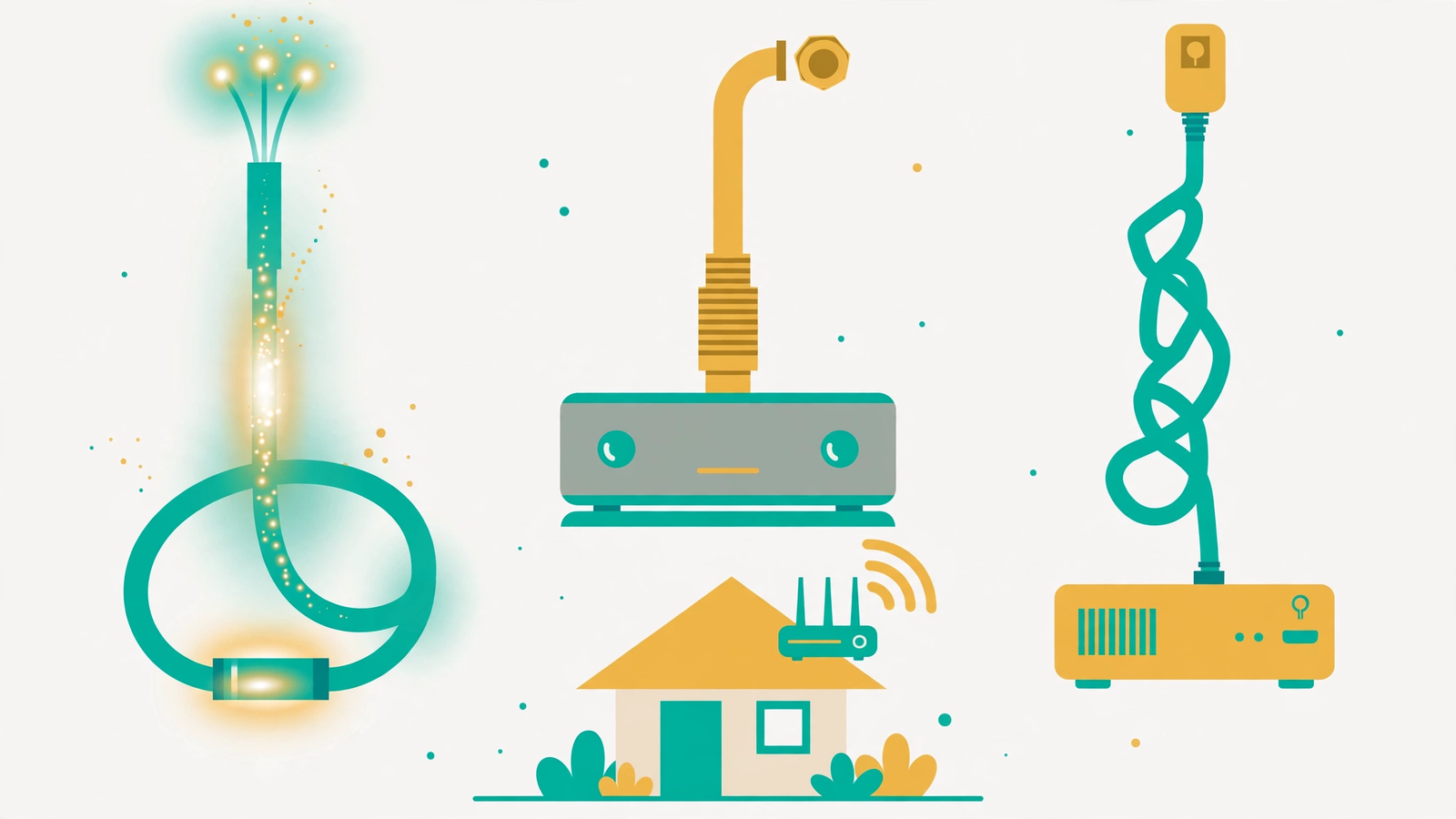
Fiber is the fastest home internet, full stop. In the fiber vs cable internet speed contest, fiber wins on downloads, uploads, and latency: most fiber plans offer 500 Mbps to 1 Gbps in both directions, while cable matches fiber on downloads but falls far behind on uploads. DSL is the slowest of the three by a wide margin.
- What is fiber internet, and why is it the fastest?
- What is cable internet, and who is it best for?
- What is DSL internet, and is it still worth it in 2026?
- Fiber vs cable vs DSL: how do they actually compare?
- Fiber vs cable internet: which is faster for gaming, streaming, and working from home?
- How do I check which connection types are available at my address?
- Frequently asked questions
What is fiber internet, and why is it the fastest?
Fiber internet sends data as pulses of light through hair-thin strands of glass. Light moves far faster than the electrical signals cable and DSL use, and glass does not suffer the interference that slows copper wires down. The result is the highest speeds available to homes today: most fiber plans start at 300–500 Mbps and commonly reach 1 Gbps, with some providers now offering 2 Gbps or even 5 Gbps in fibre-ready areas.
Fiber's real advantage is not just the big download number — it is that uploads match downloads. A 500 Mbps fiber plan usually gives you 500 Mbps up as well as down. That matters more every year: video calls, cloud backups, uploading photos and videos, and livestreaming all depend on upload speed, and cable and DSL both treat uploads as an afterthought. If someone in your house works from home or creates content, symmetrical fiber speeds are the single biggest quality-of-life upgrade you can buy.
Fiber also has the lowest latency of the three — typically 5–15 ms to a nearby server, against 15–35 ms for cable and 25–50 ms for DSL. Lower latency means less delay in online games and snappier video calls. And because fiber does not degrade over distance the way copper does, a home a mile from the exchange gets the same speed as a home next door to it.
The catch is availability. Fiber has to be laid to your street, and in many areas it simply has not arrived yet. If it is available at your address, though, it is the connection to beat.
What is cable internet, and who is it best for?
Cable internet runs over the same coaxial copper cables that once carried TV. Modern cable (DOCSIS 3.1) is genuinely fast on downloads: plans of 300 Mbps to 1 Gbps are common, and in a speed-test headline a cable plan can look identical to a fiber plan. That is why the fiber vs cable internet question confuses so many people — the download numbers overlap.
The gap opens up on uploads. A 500 Mbps cable plan typically gives you only 10–20 Mbps of upload speed, because cable networks reserve most of their capacity for downloads. That is fine for a household that mostly streams and browses, but it shows up fast when two people are on video calls at once, when a cloud backup runs in the background, or when anyone tries to stream gameplay to Twitch.
Cable has one more weakness: it is a shared network. Your street's homes all draw from the same neighbourhood node, so speeds dip in the evening when everyone is online at once — the same peak-hour congestion behind why the internet is slow at night.
Even so, cable is a good connection for most households. It is widely available, it installs quickly (often self-install with a modem in the post), and it is usually cheaper than fiber at the same download speed. If fiber has not reached your street yet, cable is the best widely available option — just check the upload speed on the plan before you sign, because that number is the one that will bite you later.
What is DSL internet, and is it still worth it in 2026?
DSL runs over ordinary copper telephone lines. It was the first broadband most people ever had, and it is still the only wired option in many rural areas — which is why it survives. But its speeds are a different league from the other two: most DSL plans offer 10–100 Mbps down and just 5–10 Mbps up, and what you actually get depends heavily on how far your home is from the telephone exchange. The further away you are, the slower it gets.
For one person doing light browsing, email, and occasional video calls, a good DSL line at the top of its range can still work. The trouble starts the moment a second person joins in: a single HD video call needs about 3–5 Mbps of upload, so two simultaneous calls can saturate a 5 Mbps upload entirely — and then every call in the house freezes. Streaming in 4K needs a steady 25 Mbps, which many DSL lines cannot hold.
DSL does have two genuine strengths: it is cheap, and each line is dedicated to one home, so your neighbours' evening streaming does not slow you down. But for most households in 2026, DSL is a stopgap, not a destination. If cable or fiber reaches your street, either one is a clear upgrade.
Fiber vs cable vs DSL: how do they actually compare?
Here is the head-to-head on the numbers that matter — typical plan ranges in 2026, not promises.
| Fiber | Cable | DSL | |
|---|---|---|---|
| Typical download | 300 Mbps – 2 Gbps | 100 Mbps – 1 Gbps | 10 – 100 Mbps |
| Typical upload | 300 Mbps – 2 Gbps | 10 – 35 Mbps | 5 – 10 Mbps |
| Latency | 5 – 15 ms | 15 – 35 ms | 25 – 50 ms |
| Evening slowdowns | Rare | Common (shared line) | Rare (dedicated line) |
| Availability | Growing, still patchy | Very wide | Wide, shrinking |
| Best for | Households, creators, gamers | Most homes, streamers | Light use, rural areas |
Two rows deserve a second look. First, the upload row: fiber is the only option where uploads keep up with downloads, and that gap grows more important every year as more of what we do online involves sending data, not just receiving it. Second, the latency row: the difference between 10 ms and 30 ms is invisible when you are loading a web page, but it is the difference between winning and losing a duel in a fast online game.
Fiber vs cable internet: which is faster for gaming, streaming, and working from home?
For gaming, fiber wins clearly. Games need very little download bandwidth — usually under 5 Mbps — but they need low, stable latency, and fiber's 5–15 ms beats cable's 15–35 ms every time. Just as important, fiber's symmetrical uploads keep your voice chat and game traffic from queuing behind a cloud backup. Cable is playable, but a household member starting a big upload can spike your ping mid-match. DSL is the worst of the three for gaming: its higher latency and thin uploads make competitive play frustrating.
For streaming, all three can work — if the numbers fit. A 4K stream needs about 25 Mbps of steady download. Fiber and cable clear that easily for several streams at once; DSL can manage one 4K stream only on a good line. Our guide on the internet speed you need for 4K streaming walks through the per-service numbers.
For working from home, uploads decide it. A household with two people on video calls needs roughly 10 Mbps of upload just for the calls, before backups, cloud sync, and file uploads. Fiber handles that with room to spare; cable manages it on higher-tier plans; DSL struggles. If your work involves sending large files or presenting on camera all day, fiber is the only connection that makes the problem disappear entirely. Our guide on what a good upload speed is breaks down the numbers by household size.
How do I check which connection types are available at my address?
Availability is a street-by-street question, so check it directly instead of trusting a provider's headline coverage map. Start with the national broadband map for your country (in the US, the FCC's National Broadband Map), which shows which technologies are reported at your address. Then check the availability tools on two or three ISP websites — enter your address, not just your postcode, because fiber can be live on one side of a street and absent on the other.
If fiber is listed, confirm the plan details before ordering: the upload speed (it should match the download speed), whether the price is an introductory rate, and whether installation is free. If only cable and DSL are available, compare their upload speeds, not just their download numbers — that is where the real difference hides.
One last thing to check: whether the provider charges a data cap or throttles after a monthly allowance. A fast plan with a low cap is a trap for heavy households. If your current plan already feels slow in the evenings, our guide on how to tell if your ISP is throttling you will help you separate congestion from deliberate slowdowns before you switch.
Frequently Asked Questions
Is fiber internet really faster than cable?
Yes, in almost every real-world test. Fiber plans commonly offer 500 Mbps to 1 Gbps or more in both directions, while cable plans usually top out around 100–300 Mbps of upload speed even when downloads are fast. Fiber also has lower latency — typically 5–15 ms versus 15–35 ms on cable — because light travelling through glass suffers less interference than electrical signals on copper.
Is DSL fast enough for working from home?
It depends on your DSL speed and your work. A good DSL line at 50–100 Mbps handles video calls and email fine for one person, but its slow uploads (often 5–10 Mbps) struggle when two people are on calls at once or you need to send large files. If DSL is your only option, test your actual upload speed — that is usually the bottleneck, not the download number on the plan.
Why is cable internet slower in the evening?
Cable runs on a shared line: your street's homes all draw from the same neighbourhood node, so speeds dip at peak hours when everyone is streaming at once. This is the same congestion that makes the internet slow at night. Fiber lines are usually not shared this way, which is one reason fiber speeds stay steadier in the evening.
Should I switch from cable to fiber if it is available?
For most households, yes — if the price is close. Fiber gives you faster uploads, lower latency, and steadier evening speeds, and it is the connection most likely to still feel fast in five years. Run a speed test on your current cable plan first: if your upload speed is under 20 Mbps and someone in the house works from home, games, or streams, the switch is worth it.
Know Your Numbers Before You Switch
Run a speed test now and note your download, upload, and ping — then compare them with the table above to see exactly what a switch would buy you.
Test Your Speed Free