 Elite Hub
What Is a Good Internet Speed in 2026?
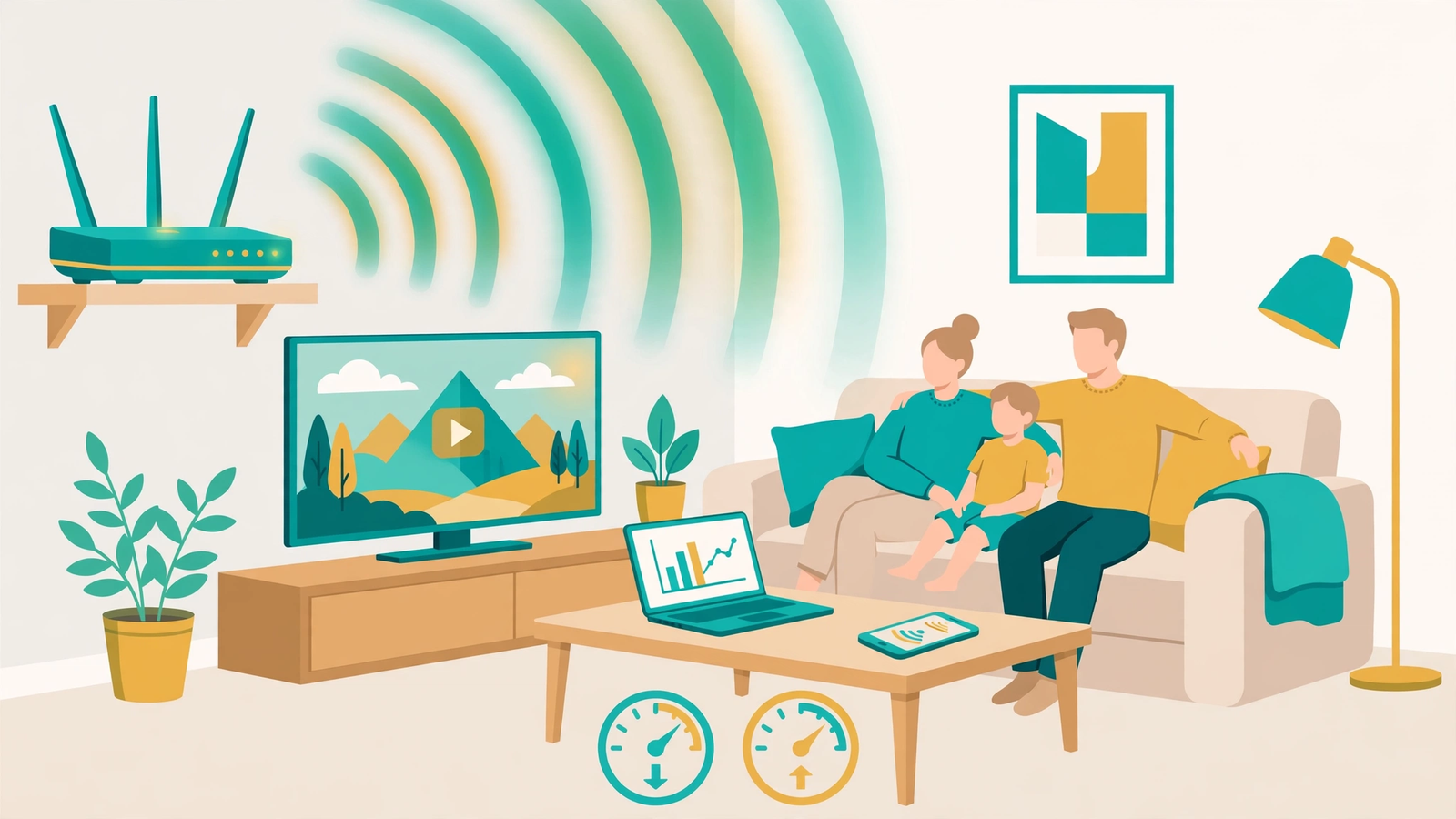
What is a good internet speed in 2026? For most homes, 100 Mbps download is good: it covers 4K streaming, video calls, and gaming at the same time. A busy household with several people online at once wants 300–500 Mbps, and your upload speed matters too — aim for at least 25 Mbps if anyone works from home or streams.
What does "good internet speed" actually mean?
When people ask what a good internet speed is, they usually mean one number — the download speed on their plan. But speed is really three numbers, and all three decide whether your internet feels good or frustrating.
Download speed is data coming to you: the film streaming to your TV, the web page loading on your phone, the game update arriving on your console. It is the number ISPs advertise in big print, and it is measured in megabits per second (Mbps).
Upload speed is data going from you to the internet: your face and voice on a video call, the photos syncing to the cloud, the file you attach to an email. Most home plans give you far less upload than download — often one-tenth — which is why calls freeze while streaming looks perfect.
Ping (latency) is how fast your connection reacts, measured in milliseconds. It matters more than raw speed for gaming and video calls: a 100 Mbps connection with 80 ms ping feels worse in a game than a 50 Mbps connection with 20 ms ping. Anything under 30 ms is good for most uses; under 20 ms is excellent.
A good internet speed, then, is not the biggest number on the shelf. It is enough download for everyone at once, enough upload for calls and cloud backups, and low enough ping that nothing feels delayed. The rest of this guide turns that into concrete numbers for your household.
What is a good internet speed for your household size?
Start with how many people use the internet at the same time — that is what decides the number. A single person watching one stream needs far less than a family where the TV, two laptops, and three phones are all active at 8 pm.
| Household | Good download speed | Good upload speed |
|---|---|---|
| One person, light use | 50–100 Mbps | 10 Mbps |
| One or two people, regular streaming + calls | 100–200 Mbps | 10–25 Mbps |
| Family of 3–4, several screens at once | 300–500 Mbps | 25–50 Mbps |
| Large household or heavy creators/gamers | 500 Mbps–1 Gbps | 50–100 Mbps |
Notice the pattern: the jump from a small household to a busy family is much bigger than the jump from a busy family to a very heavy one. That is because the expensive activities — 4K streaming and video calls — each need a fixed slice, and you add slices together. Two 4K streams plus a video call is already about 60 Mbps before anyone opens a laptop.
"A good internet speed is not the fastest plan you can buy — it is the slowest plan that still covers your busiest hour without anyone buffering."
Two official reference points help calibrate. The US Federal Communications Commission defines broadband as 25 Mbps download and 3 Mbps upload — the floor below which a connection is officially not broadband at all. And in 2026, the average US home connection tests at roughly 200–250 Mbps download, so if you are on 100 Mbps you are below average but still comfortably covered for most real uses.
How much speed does each activity need?
The household table is a shortcut. For a precise answer, add up what your home actually does at its busiest hour. These are the real-world numbers each activity needs to run well:
| Activity | Download needed | What it feels like if you have less |
|---|---|---|
| Web browsing, email, social media | 5–10 Mbps | Pages load slowly, images trickle in |
| HD video call (Zoom, Teams, Meet) | 3–5 Mbps | Video goes blurry, voice breaks up |
| Streaming in HD (1080p) | 5–8 Mbps | Buffering wheel, quality drops |
| Streaming in 4K (Netflix, YouTube) | 25 Mbps | Constant buffering, forced down to HD |
| Online gaming | 5–10 Mbps | Lag comes from ping, not speed — see our ping guide |
| Large downloads / game updates | The more, the better | Slower downloads; 50 GB takes ~1 hr at 100 Mbps, ~11 min at 1 Gbps |
Work through your busiest hour with this table. A typical family evening — one 4K film (25 Mbps), one video call (5 Mbps), a teenager gaming (10 Mbps), and two phones scrolling (10 Mbps) — totals about 50 Mbps. That is why 100 Mbps feels generous for most homes: it covers that evening twice over. But add a second 4K stream and a cloud backup running in the background, and 100 Mbps starts to feel tight — which is when 300 Mbps earns its keep.
One more thing the table shows: gaming barely uses download speed at all. If your games lag while your speed test says 300 Mbps, the problem is almost never speed. Read our guide on what ping is and how to lower it — that is where the fix lives.
How do you know if your speed is actually good?
Your plan's advertised speed is a maximum, not a promise — and the number you actually get depends on your Wi-Fi, your router, and the time of day. Test it properly before deciding whether you need a faster plan.
- Test at the time you actually use the internet. A quiet 3 am result tells you nothing about your 8 pm streaming hour. Test during your normal evening peak.
- Test three times and take the middle result. One test can catch a random dip or spike. Three tests a minute apart give you a number you can trust.
- Compare against the household table, not the advert. If you pay for 300 Mbps but measure 280 Mbps wired, that is a good result — Wi-Fi and overhead eat a small slice on every plan. If you measure 90 Mbps on a 300 Mbps plan, something is wrong and worth fixing before you pay for more.
If your wired test is far below your plan, restart the router, try a different Ethernet cable, and test again. If it is still low, the bottleneck is the line or the ISP — call them with your measured numbers in hand. If the wired test is fine but Wi-Fi is slow, the fix is inside your home: move the router to a central, open spot, switch to the 5 GHz band in the same room, or split the load with a mesh system.
Test your speed now
Run our free speed test and check your download, upload, and ping against the tables above — it takes under a minute and tells you whether your plan fits your household.
Test Your Speed FreeHow can you get the speed you're paying for?
If your test shows you are not getting what you pay for, work through these in order — cheapest first. Most homes recover a surprising amount of speed before spending anything.
- Restart the router once a week. Routers run for months without a break and slowly degrade. A 30-second power cycle is free and often restores lost speed.
- Move the router central, high, and open. A router buried behind the TV in a corner loses half its range. Central placement on a shelf, away from thick walls and metal, is the single biggest free Wi-Fi win.
- Use 5 GHz in the same room, 2.4 GHz further away. The 5 GHz band is faster but shorter-range; 2.4 GHz reaches further but is slower and more crowded. Pick per device and per room.
- Use Ethernet for the heavy stuff. A cable to the TV or the work laptop removes Wi-Fi from the equation entirely and frees wireless capacity for everything else.
- Check for bandwidth hogs. Cloud backups, game updates, and a phone syncing photos can quietly eat your whole connection. Pause them during calls and streams, and schedule big backups overnight.
- Upgrade the plan only when the wired test proves it. If wired tests already deliver your plan's full speed and your household still struggles, that is the real signal to buy more speed — or to switch to full fibre, which also fixes upload.
The bottom line on what a good internet speed is: 100 Mbps is good for one or two people, 300–500 Mbps is good for a busy family, and 25 Mbps of upload is the minimum for a household that works from home. Test your real number wired, add up your busiest hour from the activity table, and fix your home network before paying for a faster plan — unless the wired test proves the plan itself is the ceiling.
Frequently asked questions
A family of four is comfortable on 300–500 Mbps download with at least 25 Mbps upload. That covers two 4K streams, a video call, and a few phones and laptops at the same time without anyone buffering. Lighter families that rarely stream in 4K can get by on 200 Mbps.
Yes, 100 Mbps is a good internet speed for one or two people. It handles 4K streaming, video calls, and online gaming at the same time. It only starts to feel tight in households with three or more heavy users online at once, or when large downloads run during a video call.
25 Mbps is enough for one person doing one thing at a time — an HD stream, a video call, or light browsing. It is the FCC's minimum broadband definition, but it is not a good speed for a modern household: one 4K stream alone uses 25 Mbps, leaving nothing for anyone else.
Run a speed test at the time you actually use the internet, then compare the result with what your household does at its busiest hour. If your measured speed covers the total from the activity table — and your video calls and games still freeze — the problem is usually Wi-Fi coverage or latency, not raw speed.