 Elite Hub
📚 Internet Speed Guides
Practical guides from the Elite Hub team — faster Wi-Fi, lower ping, and getting the speed you pay for. New guides published daily.

How Many Mbps Do I Need for 4K Streaming on Netflix?
Netflix says 15 Mbps for 4K, but 25 Mbps per stream is the realistic minimum. The household table, what slows 4K down, and how to test your TV's real speed.
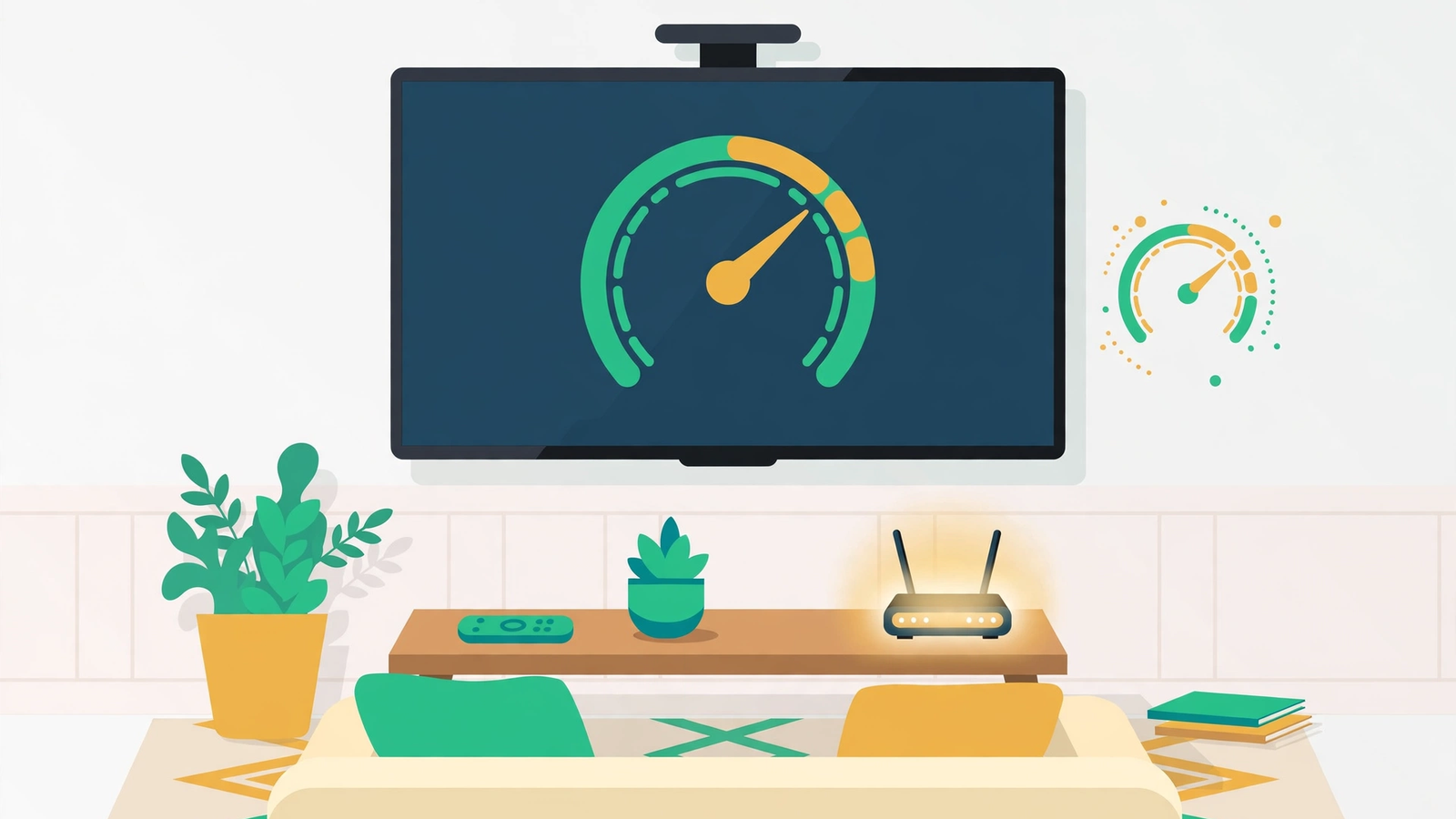
How to Test Internet Speed on Smart TV
Test the connection your shows actually use — built-in browser, speed-test app, or the TV's own network check — and find out why TV results run slower than your phone, plus the speed you need for smooth 4K.

What Is a Good WiFi Signal Strength? (dBm Explained)
−50 dBm or better is excellent, −67 dBm keeps video calls smooth, and −80 dBm is a dead zone. Read your signal in dBm, check it in 30 seconds on any device, and fix a weak one room by room.
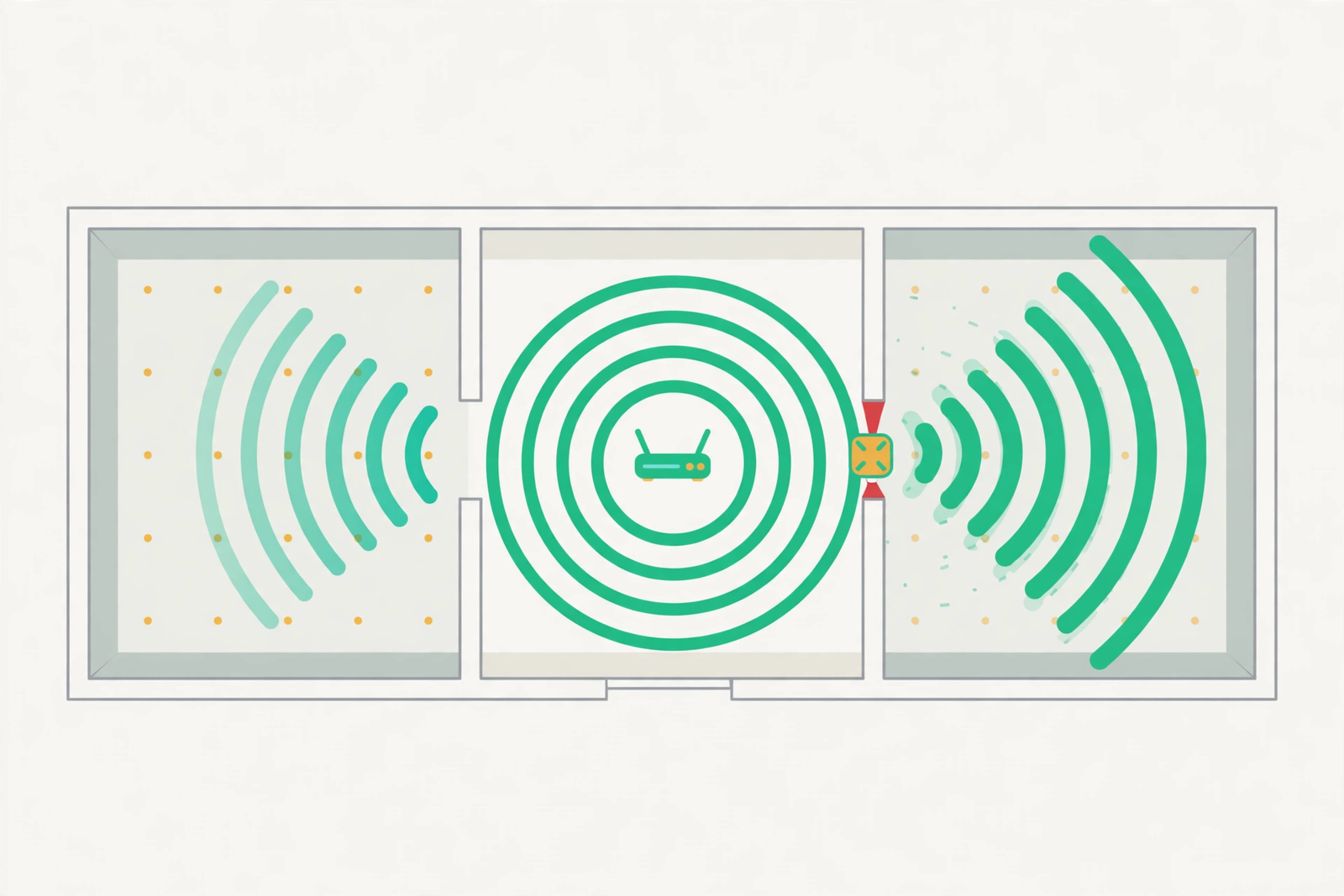
How to Fix WiFi Dead Zones in Your Home
One room with no signal while the rest of the house streams fine? Map the weak rooms with a 10-minute walk-around test, try the free fixes first, then pick the right hardware — mesh, extender, or powerline — and prove the fix worked.

Why Is My Internet Slow on One Device Only?
One device crawling while the rest fly? It is almost never your plan — it is something on that device. A 5-minute isolation test proves whether the device or the network is at fault, then the fix for each cause.
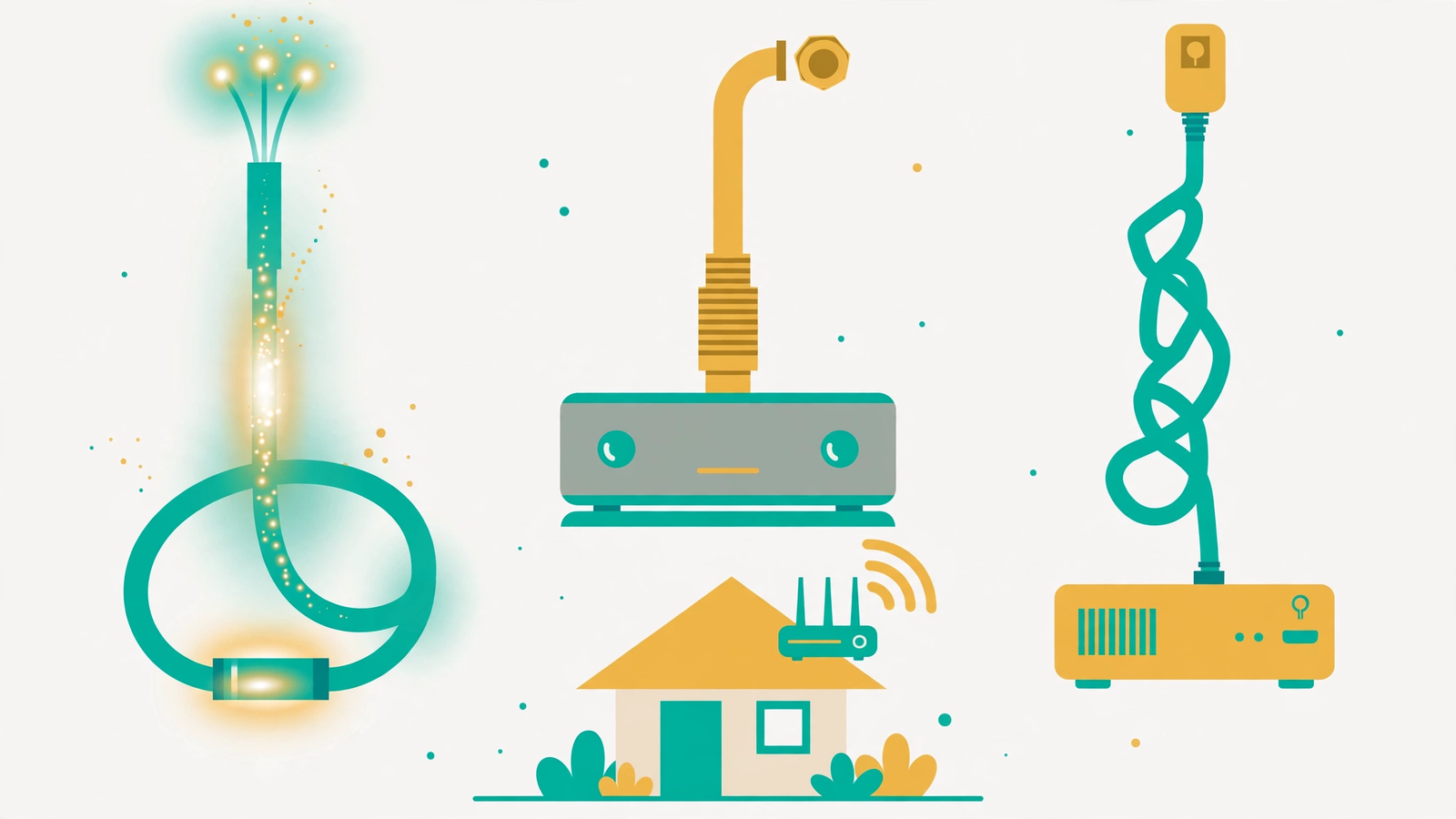
Fiber vs Cable vs DSL: Which Internet Is Fastest in 2026?
Fiber is the fastest home internet, cable is the reliable middle ground, and DSL is the slowest — compare all three on real download and upload speeds, latency, and evening reliability, then pick the right one for your home.

How to Tell If Your ISP Is Throttling Your Internet (and What to Do About It)
One service buffers while everything else flies? That is the classic sign of ISP throttling. The signs to watch for, a 10-minute VPN test that proves it, and what to do with the evidence.

What Is WiFi 6 and Should You Upgrade in 2026?
WiFi 6 (802.11ax) is built for crowded homes — faster top speeds, lower lag when everyone is online, and better battery life for smart gadgets. Who should upgrade, who can wait, and how to swap routers in 20 minutes.
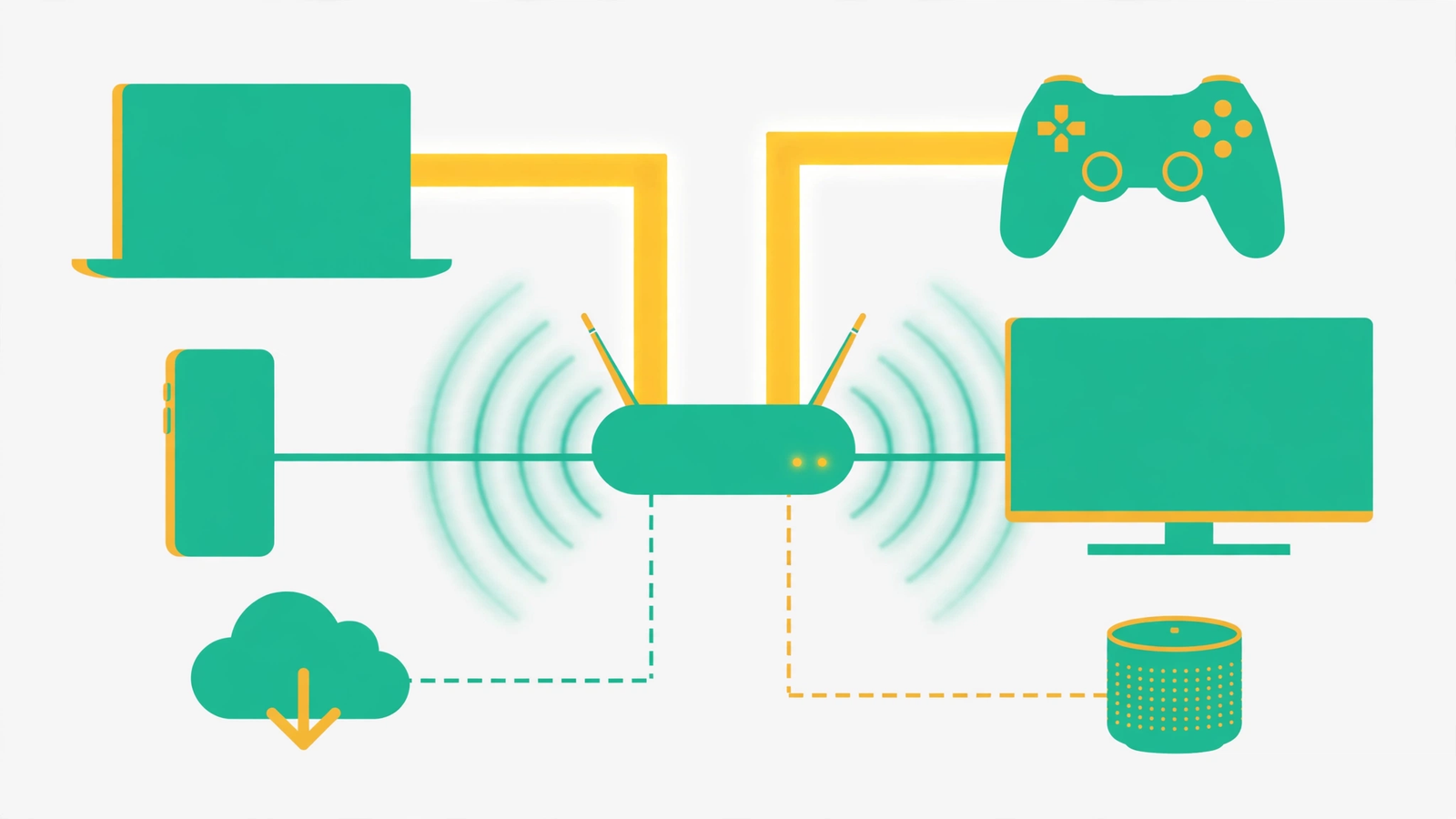
How to Prioritize Devices on Your WiFi (QoS Explained)
Give your work laptop or console first claim on bandwidth — QoS in plain English, the 5-step router setup, and a test that proves it worked.
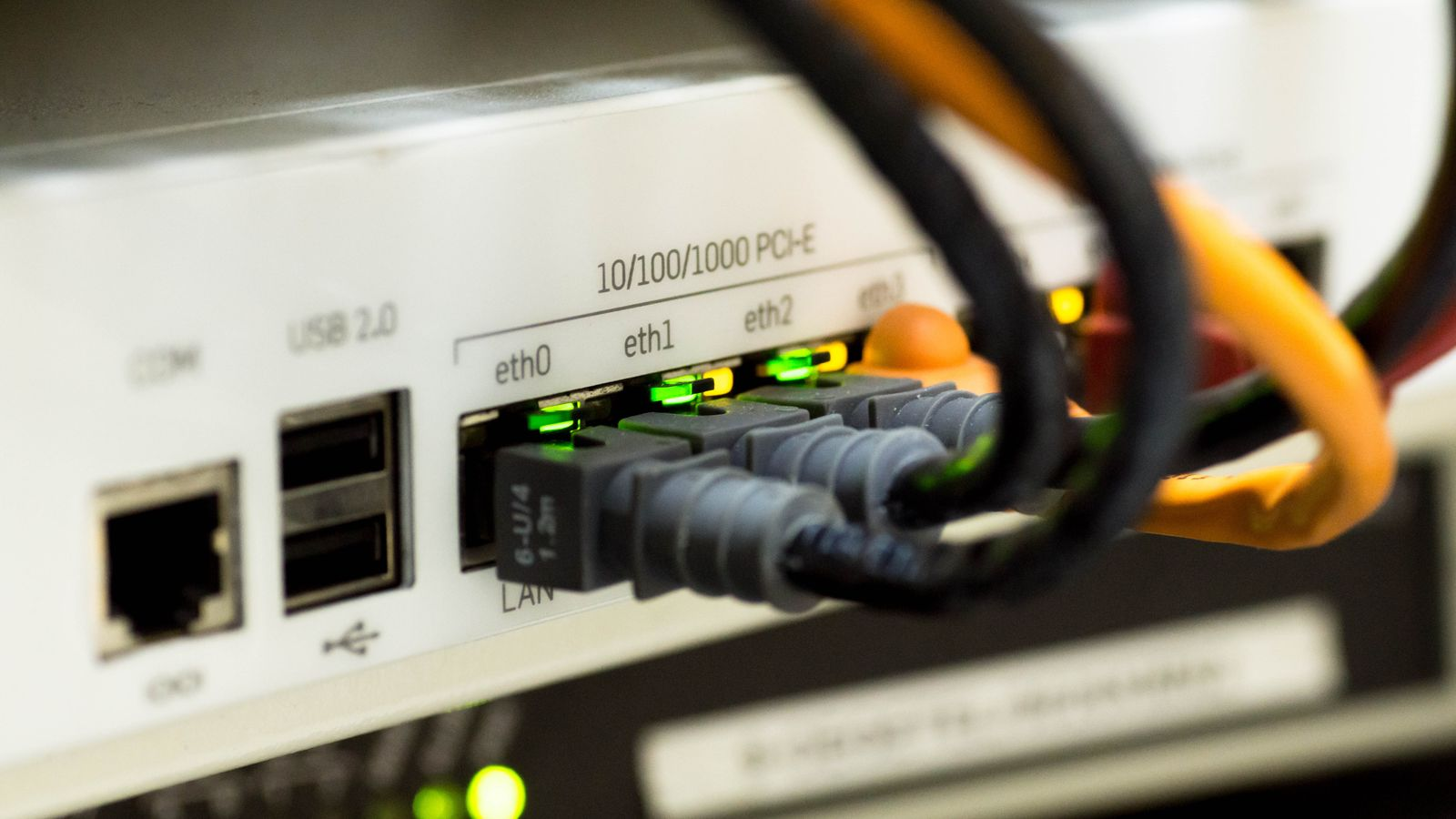
How to Change DNS for Faster Internet (Router + Devices)
Switch to Cloudflare 1.1.1.1 or Google 8.8.8.8 on your router or device — what DNS does, which server is fastest, and a before-and-after test to prove it worked.

How Much Upload Speed Do I Need to Stream on Twitch?
720p needs 6–8 Mbps of upload, 1080p needs 10–15 Mbps — the bitrate table, the 1.5× headroom rule, and a 10-minute test to prove your connection is ready before you go live.
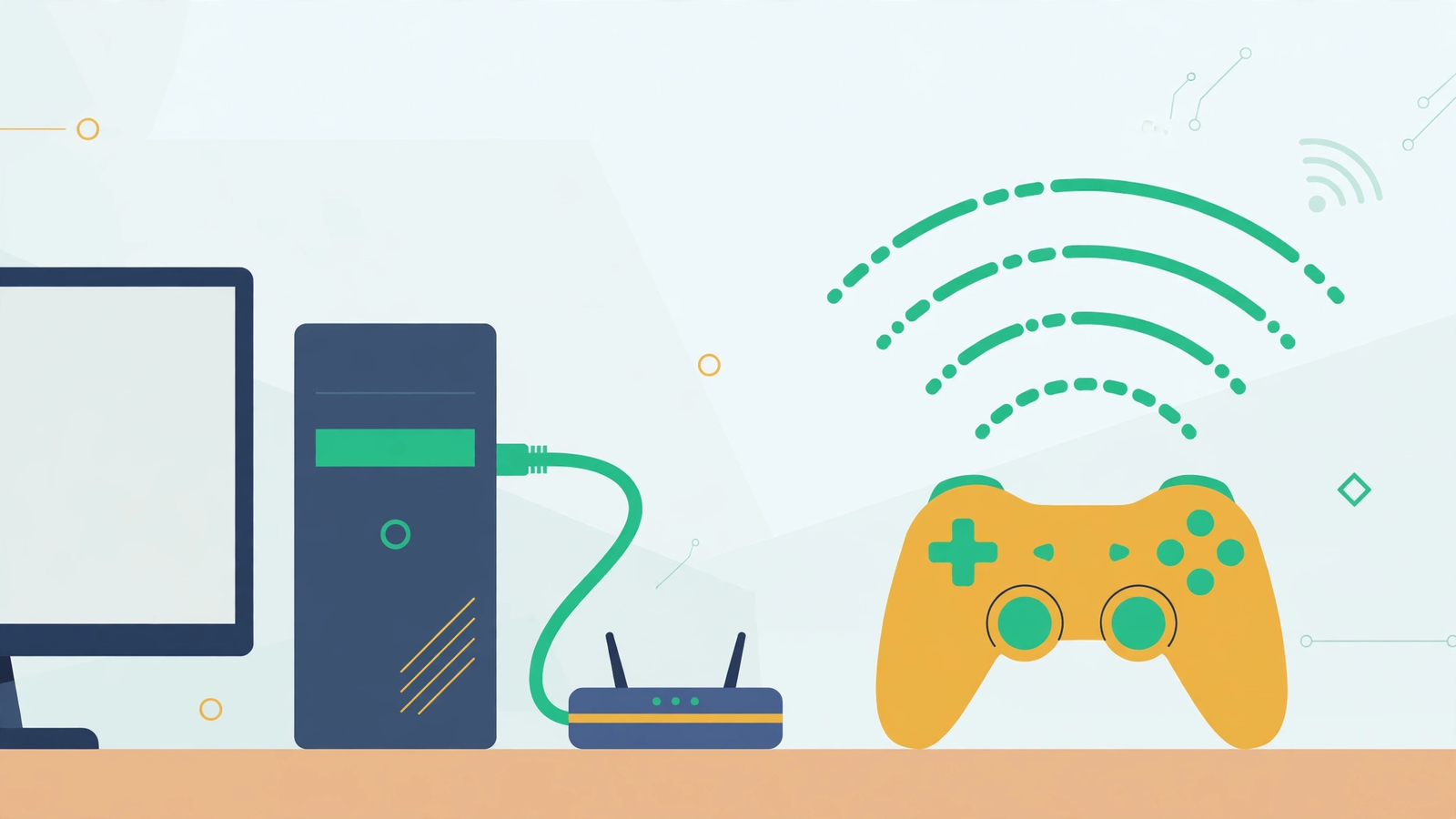
Ethernet vs WiFi for Gaming: Which Is Faster in 2026?
Wired wins on ping, jitter, and stability — 1–5 ms vs 10–30 ms on WiFi — while download speed is usually the same. When WiFi 6 is close enough, cable-routing tips for renters, and a 10-minute test to settle it on your own connection.

Why Does My Internet Keep Disconnecting? Causes + Fixes
Your connection drops because of your router, Wi-Fi interference, or a faulty line — not your plan. A 60-second test pinpoints the fault, then router, cable, and ISP fixes stop the drops for good.

Mbps vs MB/s: Why Your 300 Mbps Download Shows as 37 MB/s
Your 300 Mbps plan shows about 37 MB/s in downloads because ISPs count in bits and browsers count in bytes. Divide by 8 and the numbers match — plus a conversion table, download-time maths, and how to check your real speed.

Bufferbloat Explained: Why Fast Speed Tests Still Lag
Your speed test says 300 Mbps — so why does Zoom freeze the moment someone uploads a photo? Bufferbloat is the delay hiding in your router's oversized buffers, and a simple loaded-ping test proves it in two minutes — plus the SQM fix that ends it for good.
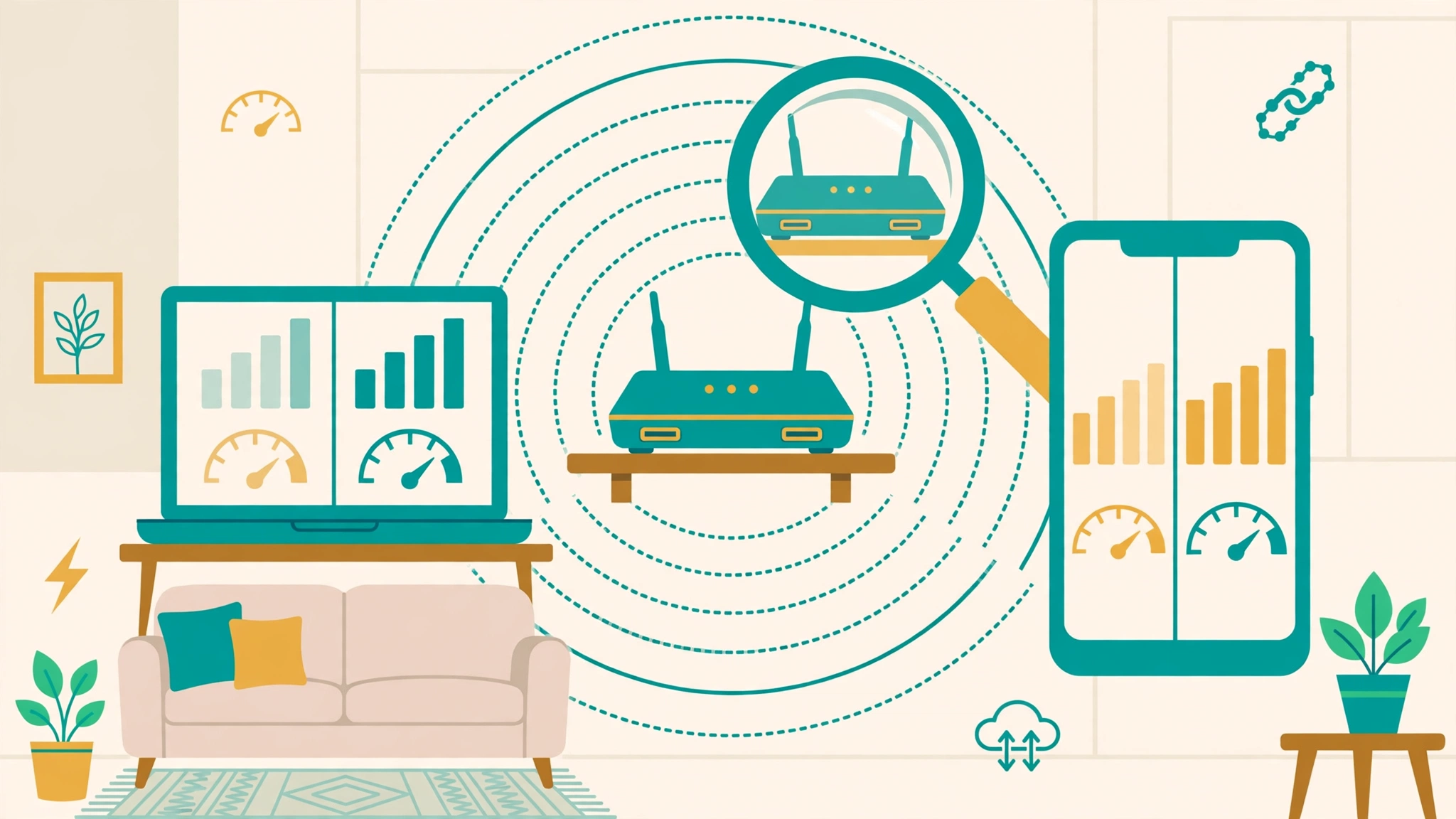
Why Is My WiFi So Slow? Diagnose It in 10 Minutes
Find the cause in ten minutes with three speed tests — wired vs WiFi, signal, devices, and timing.

How to Speed Up WiFi on Your Phone (iPhone + Android)
Switch to the 5 GHz band, forget and rejoin the network, and move closer to the router — the phone-specific fixes that work on iPhone and Android, with a before-and-after test to prove it.

Does a VPN Slow Down Internet Speed? The Honest Answer
Yes — usually by 10–35%, plus 15–50 ms of ping. Why VPNs slow you down, how much speed you actually lose, and a 2-minute test to measure it on your own connection.

What Is a Good Internet Speed in 2026?
100 Mbps is good for most homes, 300–500 Mbps for busy families, and 25 Mbps upload for video calls — with household and per-activity tables to find your number.
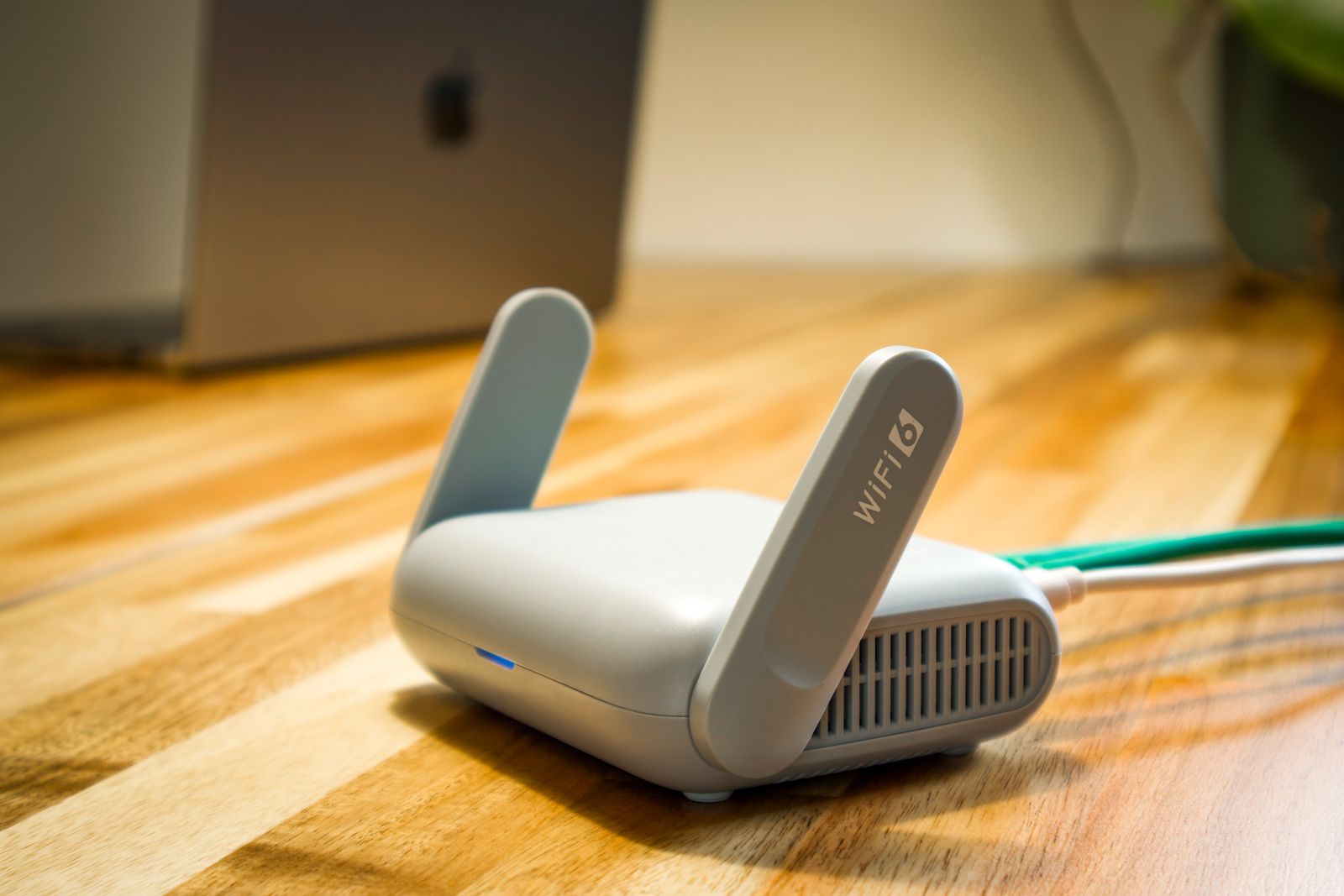
How to Secure Your Home WiFi Network in 15 Minutes
Change the default admin password, switch on WPA3, set up a guest network, and update your router firmware — the 15-minute checklist that locks down your home network.

How Much Internet Speed Do You Need for Working From Home?
How much download and upload speed one worker — and a whole household — actually needs, with a per-person budget table and VPN headroom.

What Is Jitter and Packet Loss? A Plain-English Explanation
Ping is how long a packet takes; jitter is how much that time jumps around, and packet loss is packets that never arrive. Good numbers, a 10-minute wired-vs-WiFi test, and the fixes that actually steady your calls and games.

How to Test Your Internet Speed Accurately (7 Rules)
Plug in, close everything, test three times: the 7 rules for a speed result you can trust — wired vs WiFi, reading download, upload and ping, and how to prove a slowdown to your ISP.
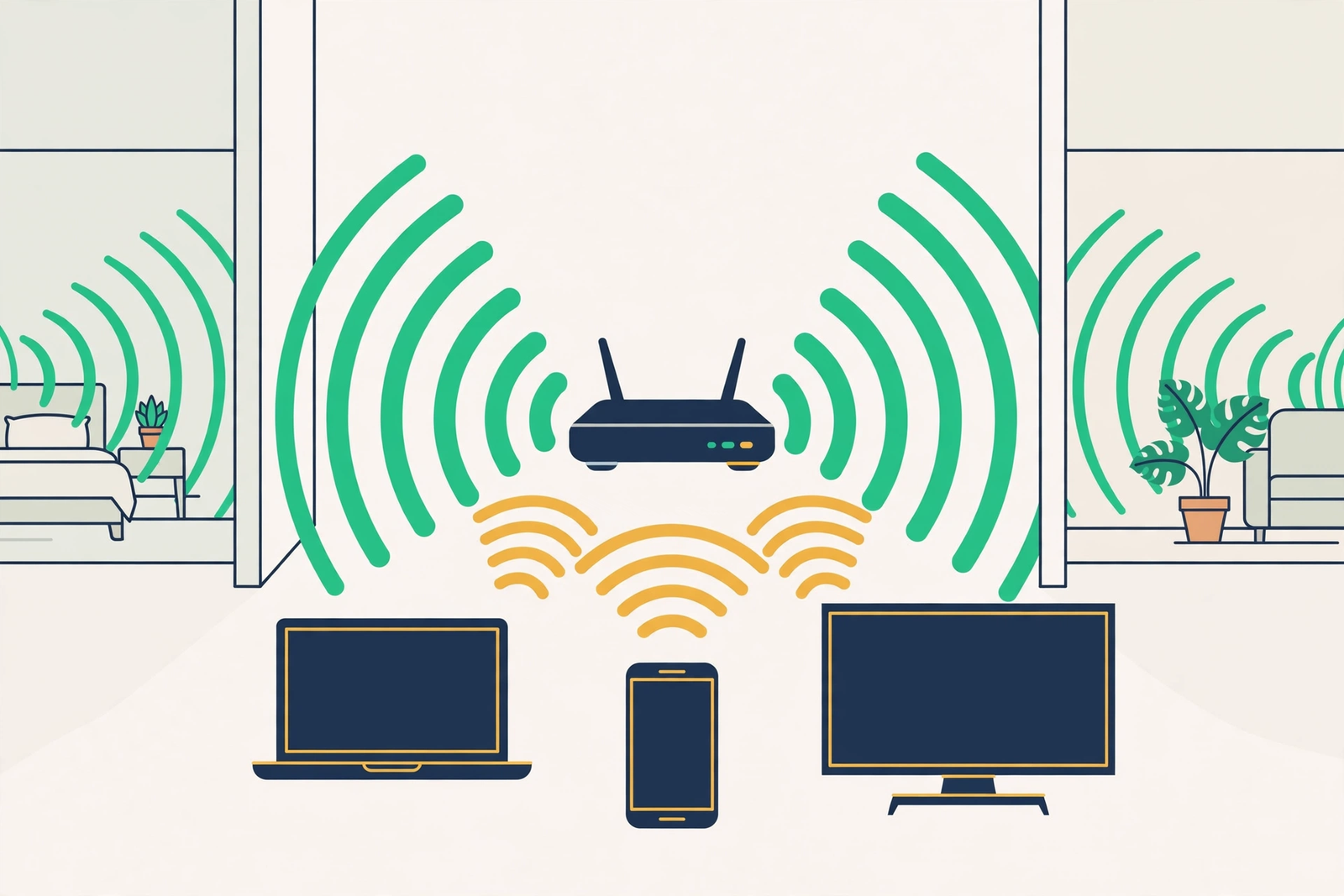
2.4 GHz vs 5 GHz WiFi: Which Band Should You Use?
5 GHz is faster near the router, 2.4 GHz reaches further through walls. The device-by-device rule for choosing the right band, how to split bands on your router, and a 5-minute test that settles it room by room.

What Is a Good Upload Speed? What You Actually Need in 2026
For most homes, 10–25 Mbps of upload is good: it keeps video calls sharp, sends large files without a long wait, and lets cloud backups run in the background. Creators and multi-person households should aim for 50 Mbps or more — plus how to test yours properly.

Why Is My Internet Slow at Night? (And How to Fix It)
Most often it is peak-hour congestion: your whole neighbourhood is online at once. A timed evening speed test proves it — plus 7 fixes that still help, from wiring key devices to dropping 4K to HD.

Mesh WiFi vs WiFi Extender: Which Is Better?
Mesh wins for large or multi-floor homes with several weak spots; an extender is the cheaper fix for a single dead room. Compare coverage, roaming, speed loss, and cost — plus a 60-second decision test.

What Is Ping and How to Lower It
Ping is the delay between your device and a server, in milliseconds. What good ping looks like, why yours is high, and 8 proven fixes — wired connection, closest server, and SQM — that cut it fast.
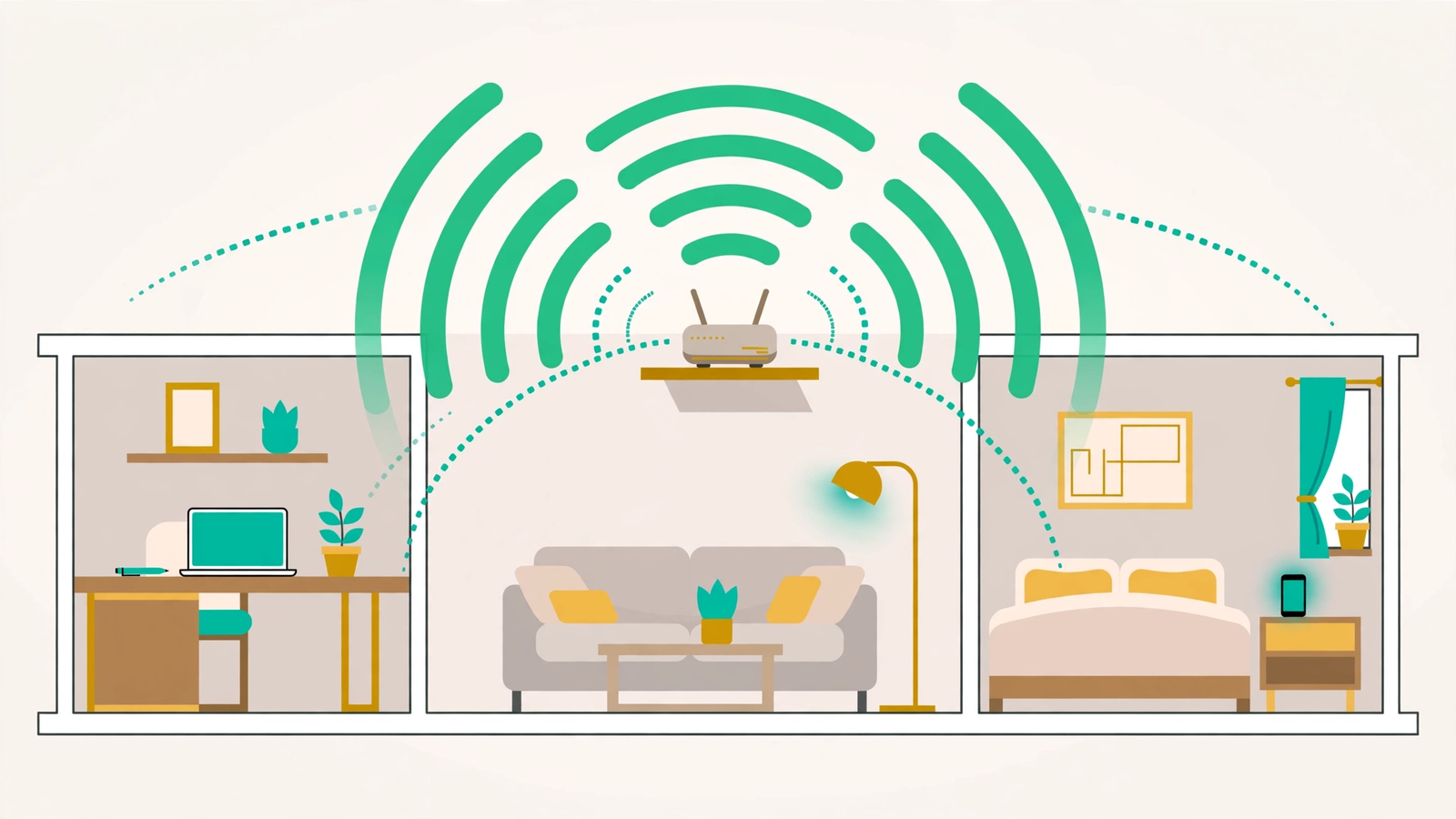
Router Placement Guide: Where to Put Your Router for the Best Signal
Central, high, and in the open — room-by-room placement rules, what to keep away from your router, and a 2-minute test to prove the difference.

What Internet Speed Do You Need for 4K Streaming?
25 Mbps per stream is the official minimum — but real households need more. Per-service bitrates for Netflix, YouTube, Disney+ and more, plus a simple household calculator.

How to Improve WiFi Speed at Home: 12 Fixes That Actually Work
Measure first, then move your router to a central elevated spot, switch congested channels or bands, and restart it — the four free fixes that recover most lost speed, plus 8 more for stubborn setups.